
Konfigrator
Your product.Configured in 3D.
Give customers an online space to choose product options and see their configuration in 3D.
Product
Make product choices clear in 3D.
Konfigrator creates an online site where your customers can configure your products and explore them in 3D, helping them choose and supporting your sales process.
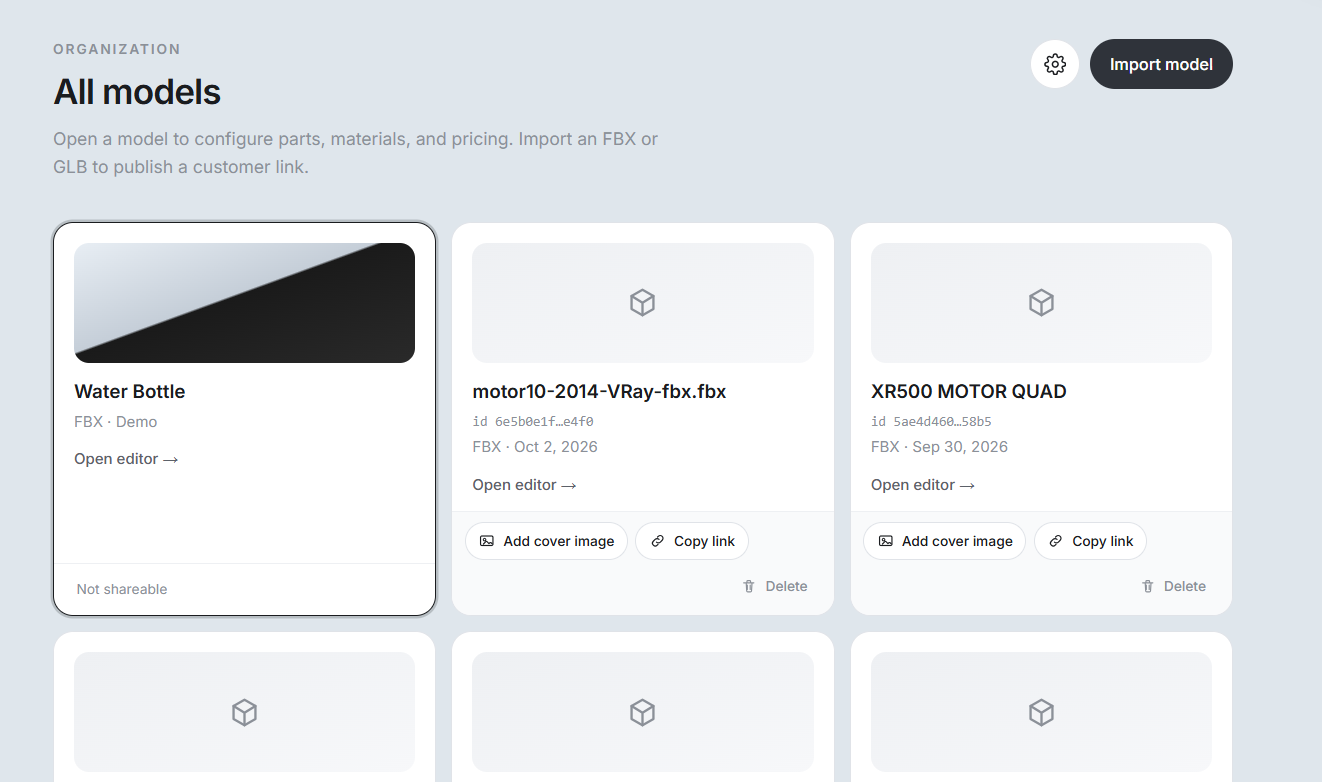
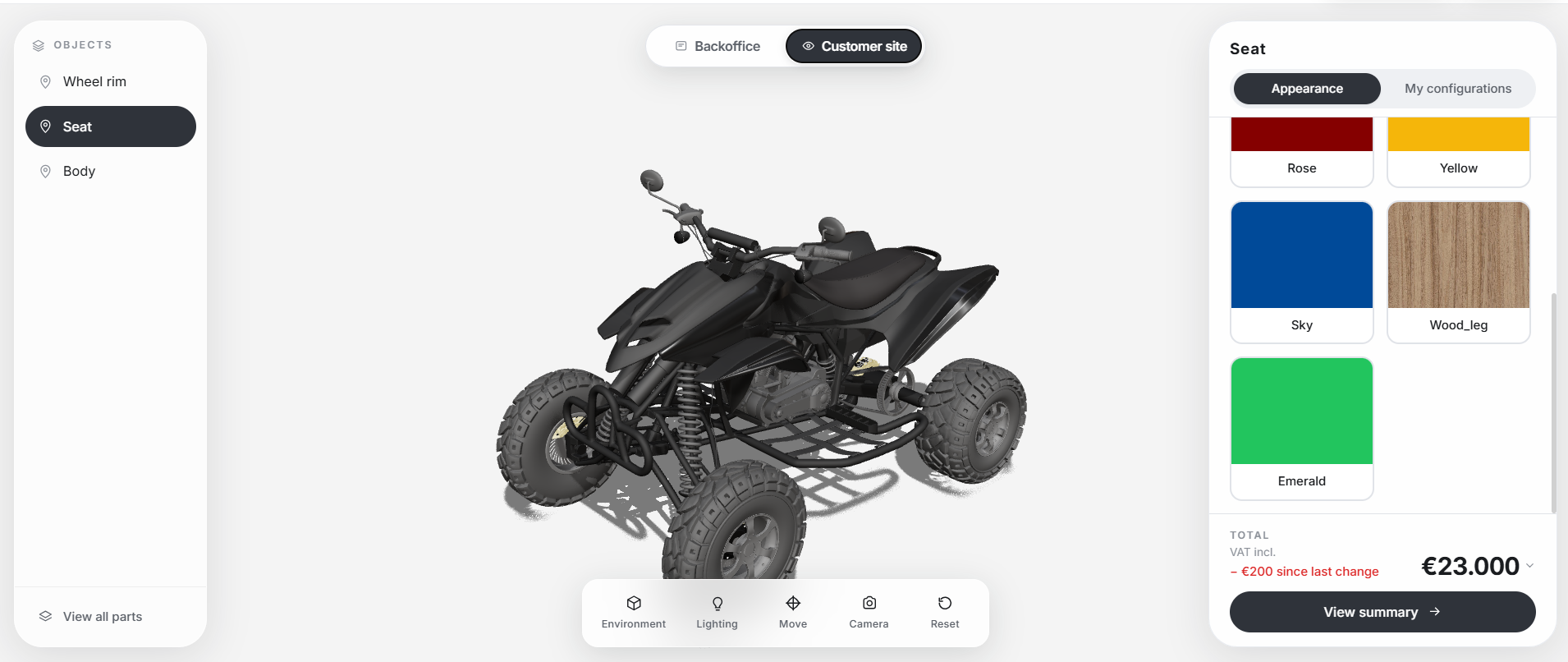
Customer site
Buyers explore options on a live 3D model.
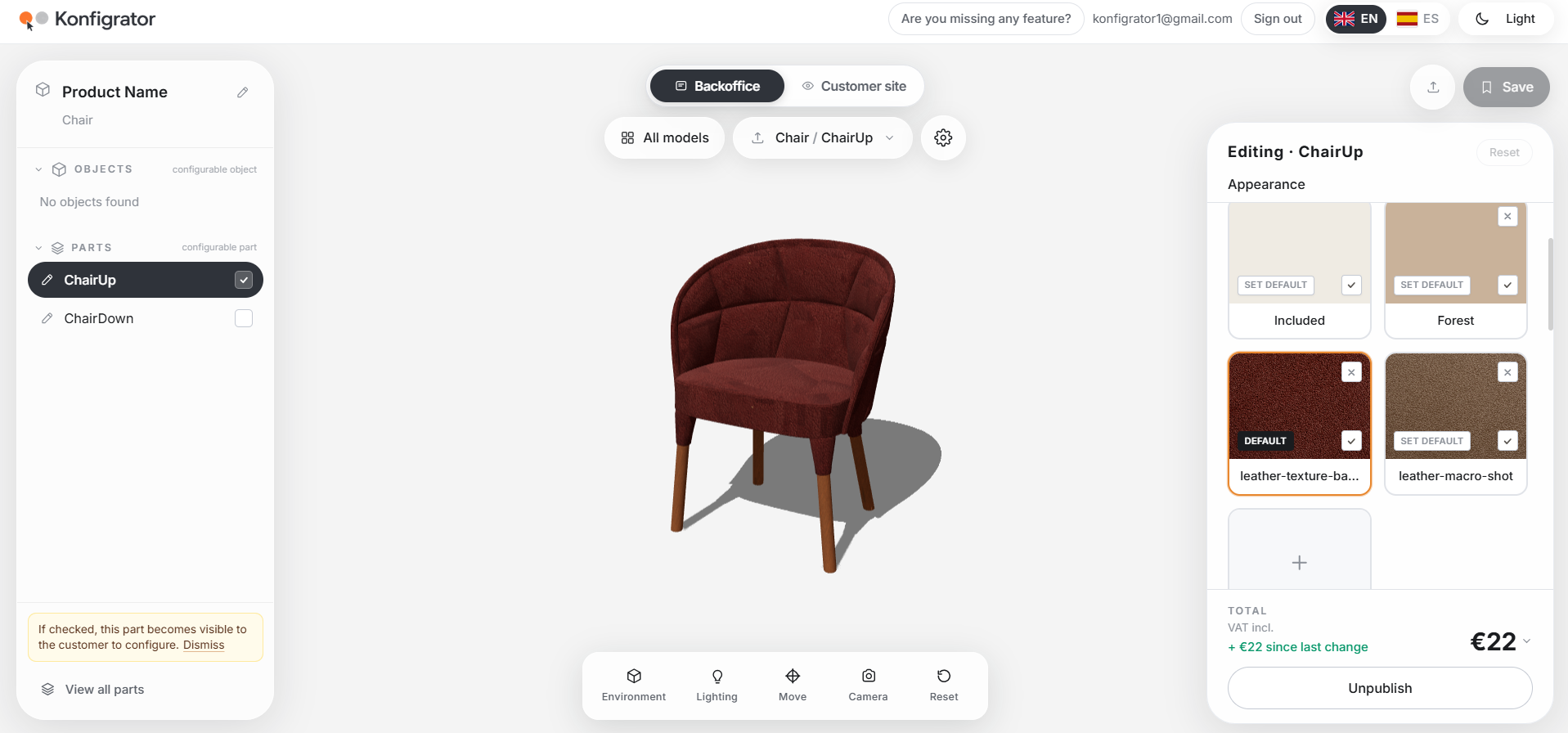
Backoffice
Approve parts, materials, and pricing.
How it works
From choice to sale, in three steps.
01
Your customers choose
They pick the finishes, materials and options you approve — in plain, familiar controls.
02
They see it in 3D
Every choice updates a clear product view, so the configuration is easy to understand.
03
You move the sale forward
Share a branded customer site and continue the conversation with a configuration they trust.
Materials
Show real options. Keep control.
Present believable materials and finishes on a clean product view. Your customers only see the choices you approve — so every configuration stays clear and credible.
Explore a demoAppearance
Natural sheer
Try a finish
Make it possible with Konfigrator.
Set up your product experience, approve the options, and publish a customer site your buyers can explore in 3D.